Slicer Default Layer Height Settings
First, ensure you are aware of the specific layer height required for your device. Follow the pre-printing inspection workflow, which you can refer to here:
/docs/Manuals/en/pre-operation-inspection&preparation/
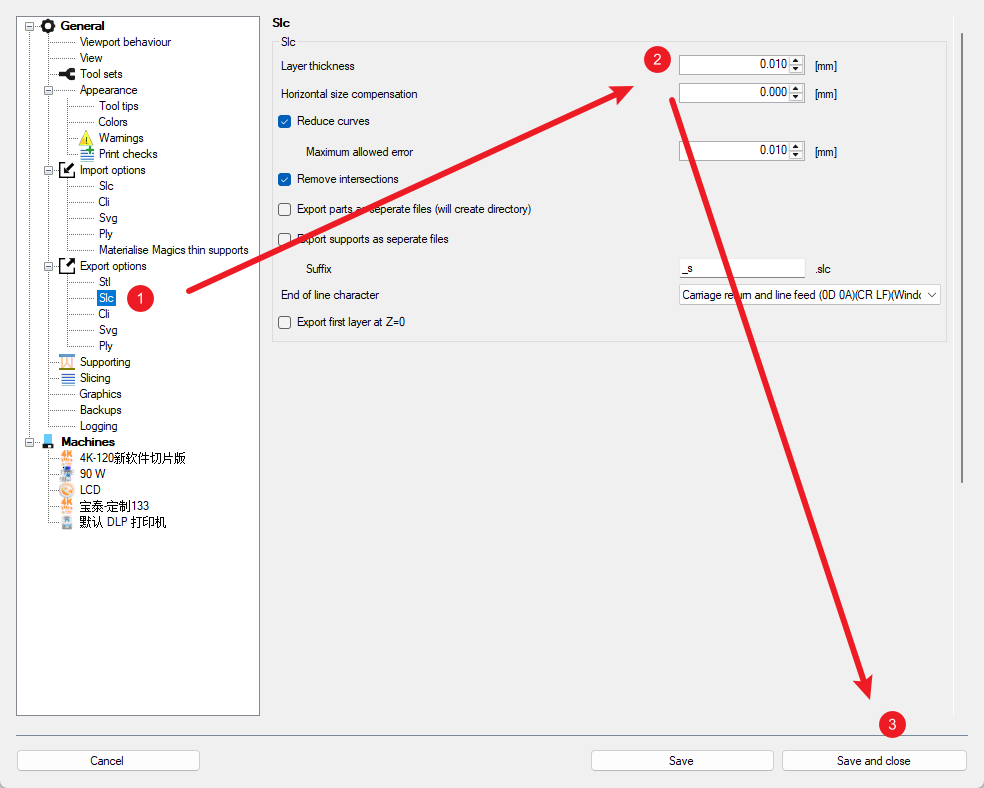
To modify the default slicing parameters, please follow these steps to ensure accuracy and prevent errors:
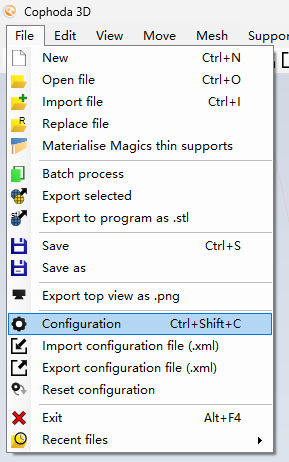
Open Slicer Software Settings.
Follow the workflow to modify the default layer height.