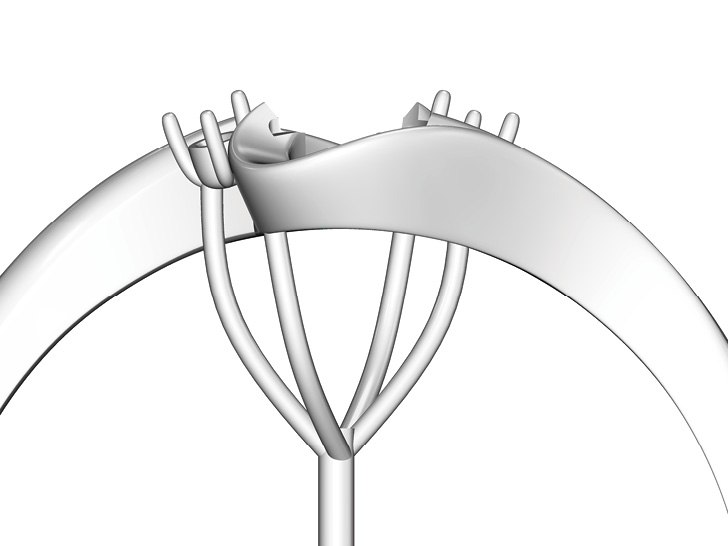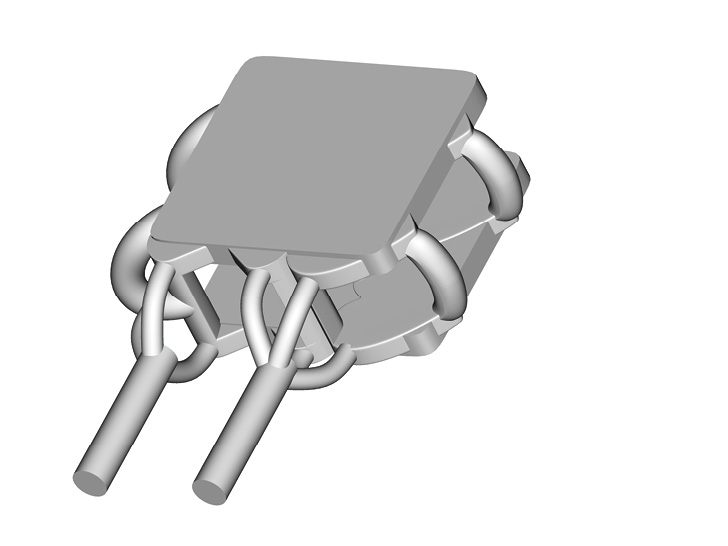
About Supports
Supports are essential for a perfect print.
Supports prevent model deformation and collapse. As a necessary part of printing, supports must also be removed in post-processing. Good supports balance both: ensuring successful printing and easy post-processing.
The focus should be on the entire production process, not just on printability. Great supports are always minimal, but minimal supports aren't always great.
The best supports account for every stage and are the key to truly improving production efficiency.
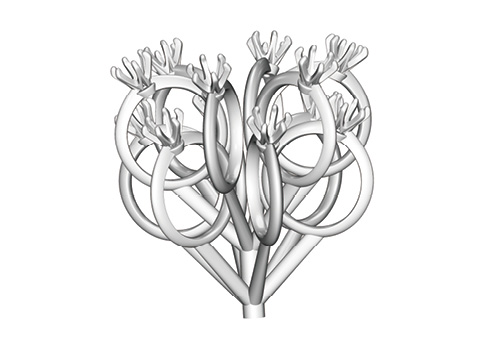
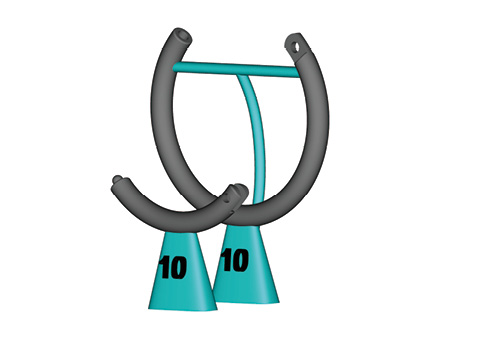
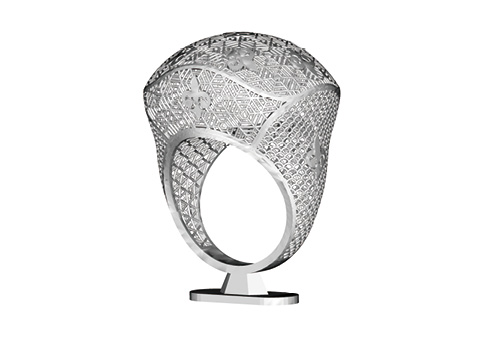
Where to Add Supports
We use the letters "Y," "H," and "T" to illustrate common overhang and span scenarios.

Angled OverhangWhen the angle from horizontal is below 30°, add more stabilizing supports.
SpanAdd supports for spans exceeding 3mm to prevent flat surface deformation. Arch spans can have wider support spacing.
Lowest PointSupports are required. When the lowest point is a flat surface, add a support array at 2mm spacing (adjust the angle to avoid large flat surfaces whenever possible).
Orientation Angle
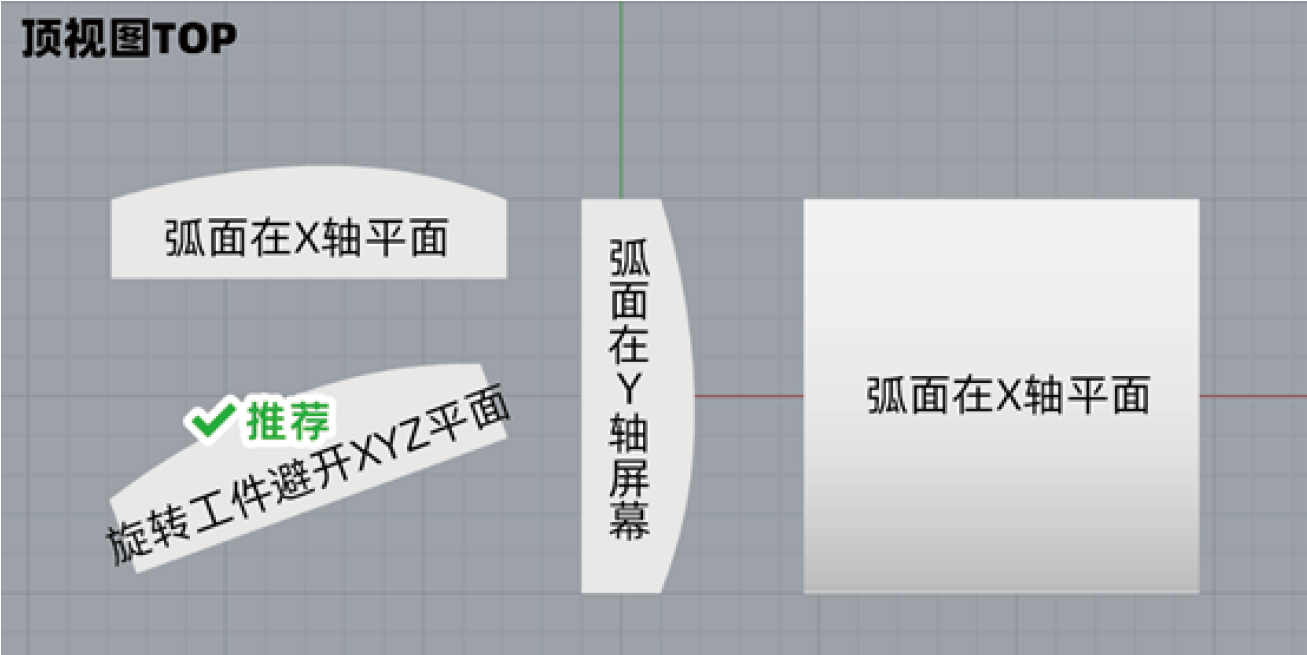
Adjusting the object angle avoids curved surfaces parallel to coordinate axes. Standing flat objects upright yields better print quality and fewer supports.
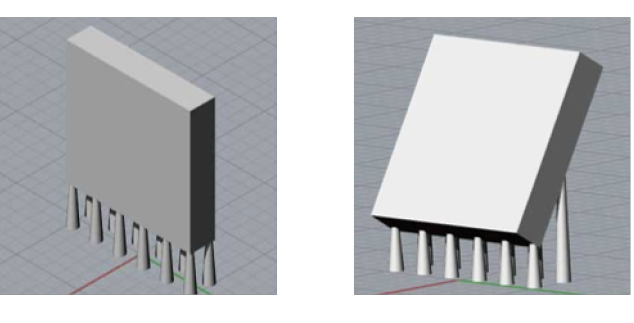
Key points: Flat surfaces can be placed vertically. Slightly rotate curved surfaces to avoid X and Y axis alignment. Avoid large flat horizontal surfaces — stand them upright or tilt. Pins under 3mm can face upward at any angle above 0°; over 3mm, add supports to prevent deformation. Flat top surfaces can be placed horizontally. Curved surfaces with height variation within 4mm should be oriented vertically or tilted to avoid horizontal placement. During layout, slightly rotate to prevent shallow curves from aligning parallel to the X and Y axes.
Support Reference
OverhangFor vertical angles above 30°, supports may be omitted (under normal structural conditions). When the angle approaches 30° and span exceeds 10mm, add supports to stabilize and prevent layer shifting.
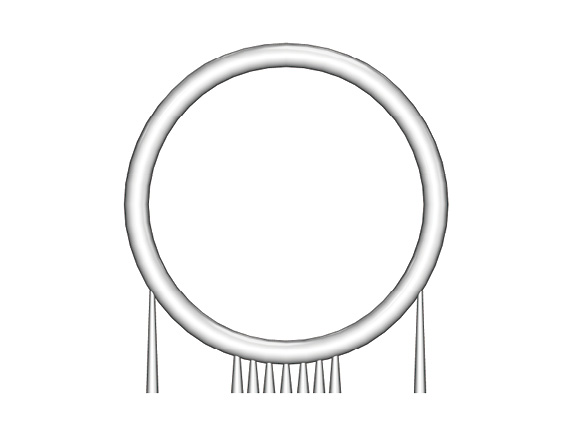
SpanFor spans under 3mm, no center supports are needed. For large flat areas, add supports at ~2mm intervals (use finer supports at higher density).
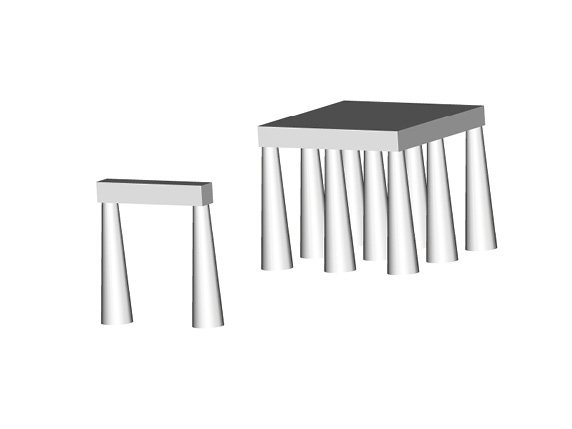
Thin / fragile structures
For parts with complex geometry or thin walls that risk warping or tearing, add supports as needed. Well-placed auxiliary supports also help reduce deformation during post-processing.
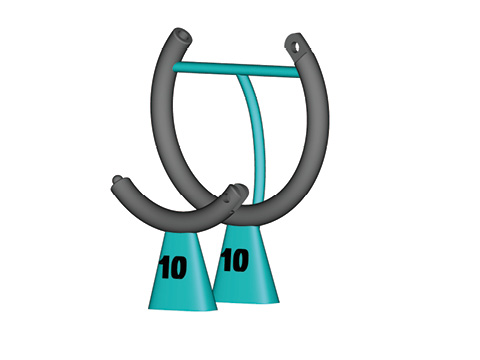
Common support styles
Column:Base supports connecting to the build plate should use a tapered cone (narrow top, wide bottom) with contact points ≥0.4mm. Internal inter-part supports: ≥0.2mm dia. for short spans; over 1mm length use ≥0.3mm and gradually thicken with length.
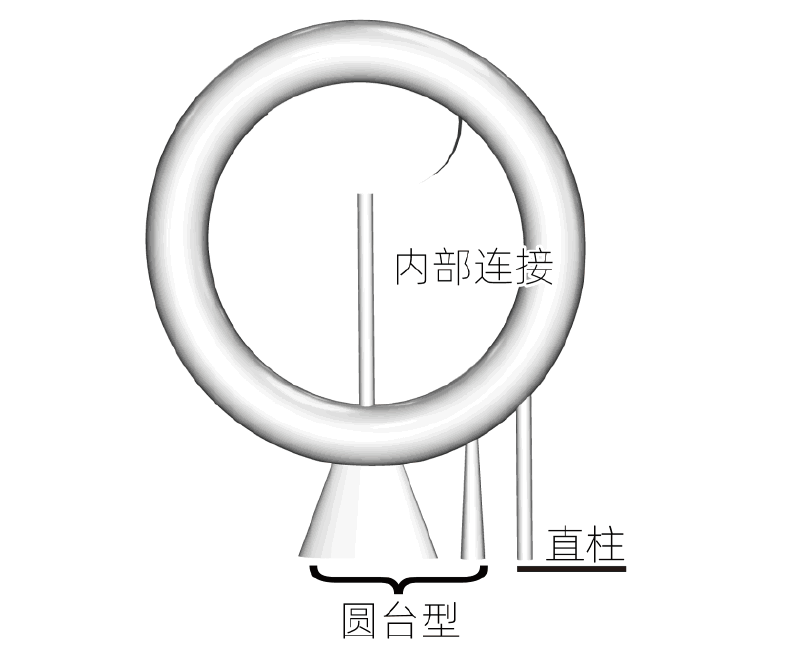
Umbrella:A thick support extends from the build plate or part, then a straight or curved column connects to the support point, with contact points typically ≥0.3mm. Commonly used for fine details or ring patterns.