
 Apex Studio
Jewelry 3D printing,
one appdoes it all
Open JCD and other jewelry and general 3D files directly, monitor your printers live, lay out plates fast, add professional supports and export print packages in one click.
01 · Formats
Jewelry and general 3D formats,
read directly
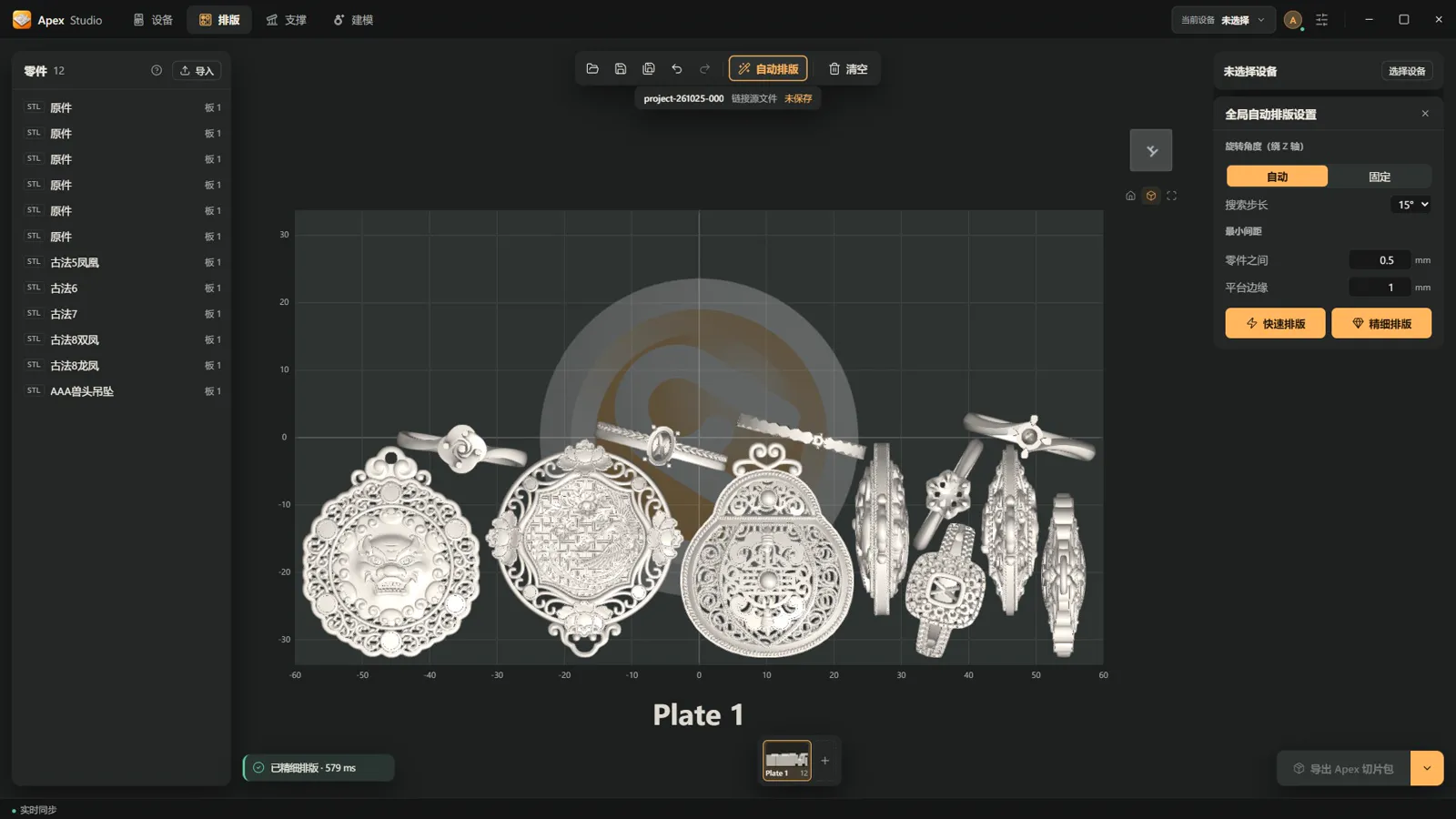
JewelCAD files open as they are, with surfaces and booleans rebuilt exactly. Rhino, industrial CAD and common mesh formats just drop in too.
JCDNative JewelCAD
3DMSTEPIGESSTLOBJ3MFPLYglTFGLBSLC
02 · Devices
Connect your printers,
know every machine at a glance
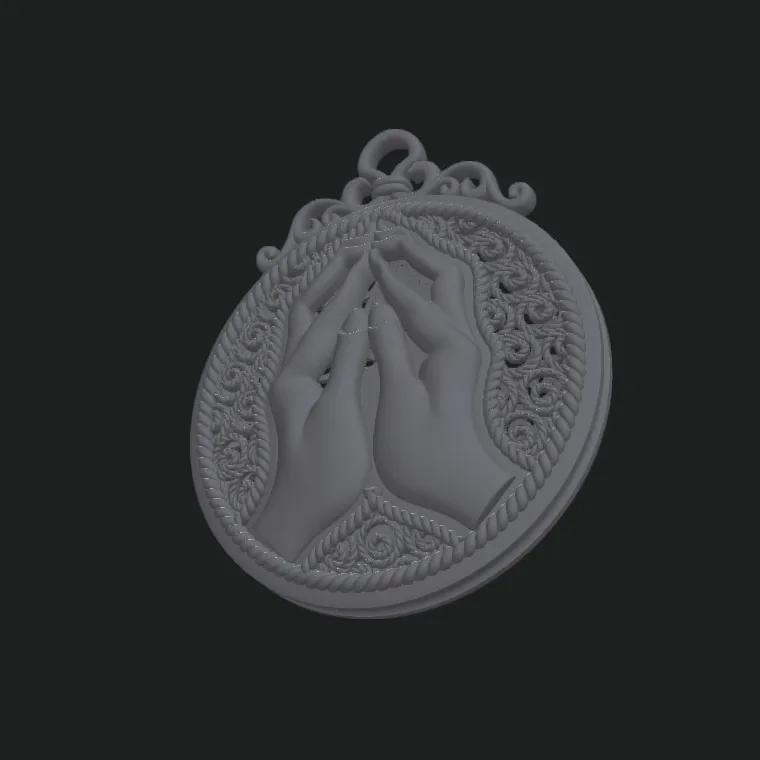
- Auto discoveryApex printers on your network appear in the device list
- Live monitoringOnline status and print progress at a glance
- Works offlineImport a device profile to lay out and export away from the machine
03 · Layout
Rich, fast layout
Quick layout in seconds; fine layout makes the most of every plate.
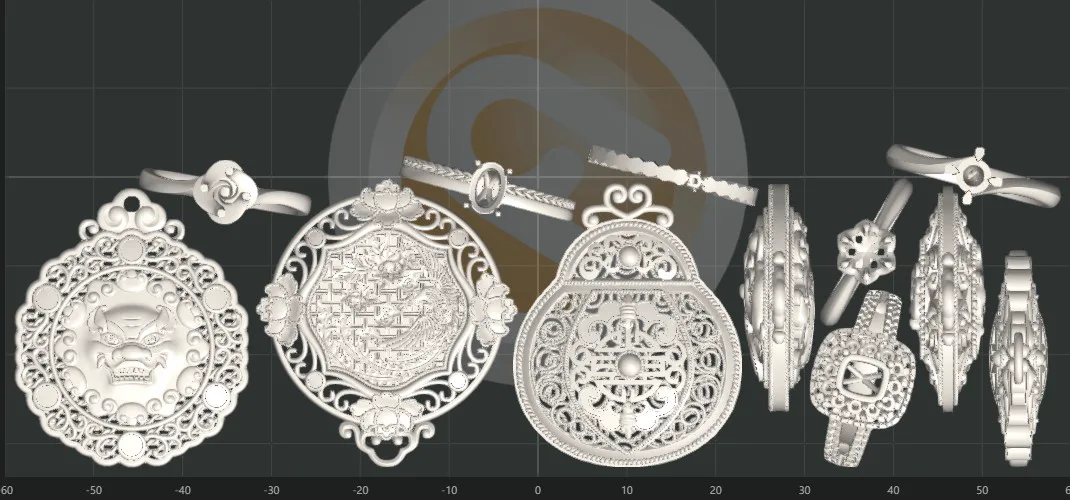
- Auto layoutQuick or fine, with automatic rotation
- Plates and quantitiesLay out several plates at once and manage copies together
- AssembliesGroup parts, adjust them in place and place them together
- Height zonesSeparate tall and short parts for steadier prints
- One-click exportGenerate a print-ready Apex package directly
04 · Supports
Professional supports,
precise by hand, easy on auto
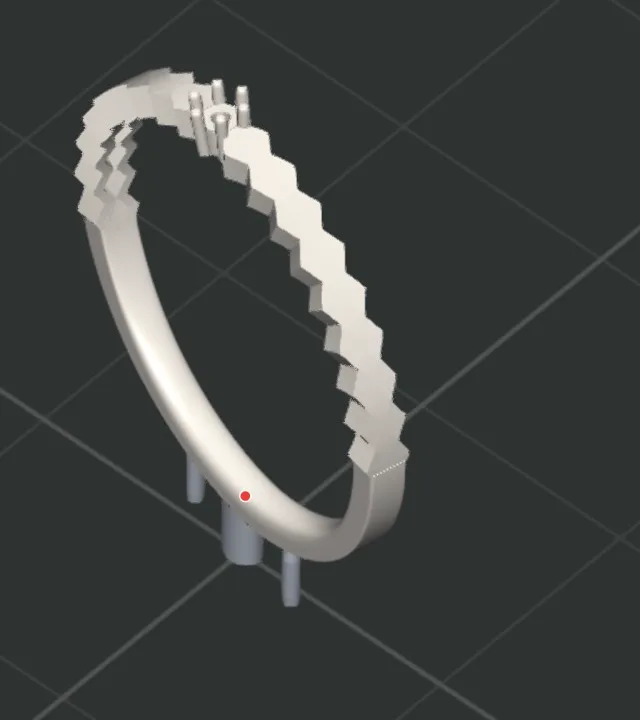
- Supports by jewelry typeDedicated rules for ladies' rings and more, in one click
- Full manual toolsetPoint, tree, curve and library supports, editable anytime
- Auto orientationSeveral options, ranked by support points and area
- Pre-print checkIslands and lowest points flagged in advance
- Shelling and drain holesShell large parts to save material and add drain holes
Contact Us
Interested in Apex?
Tell us what you need and our service and sales engineers will get back to you soon.